







Building an aviation website is not simply a sequence of design screens followed by development. The project has to translate a real aviation business into a clear digital structure: services, aircraft, training programs, capabilities, locations, routes, listings, enquiry paths and the information prospects need before making contact.
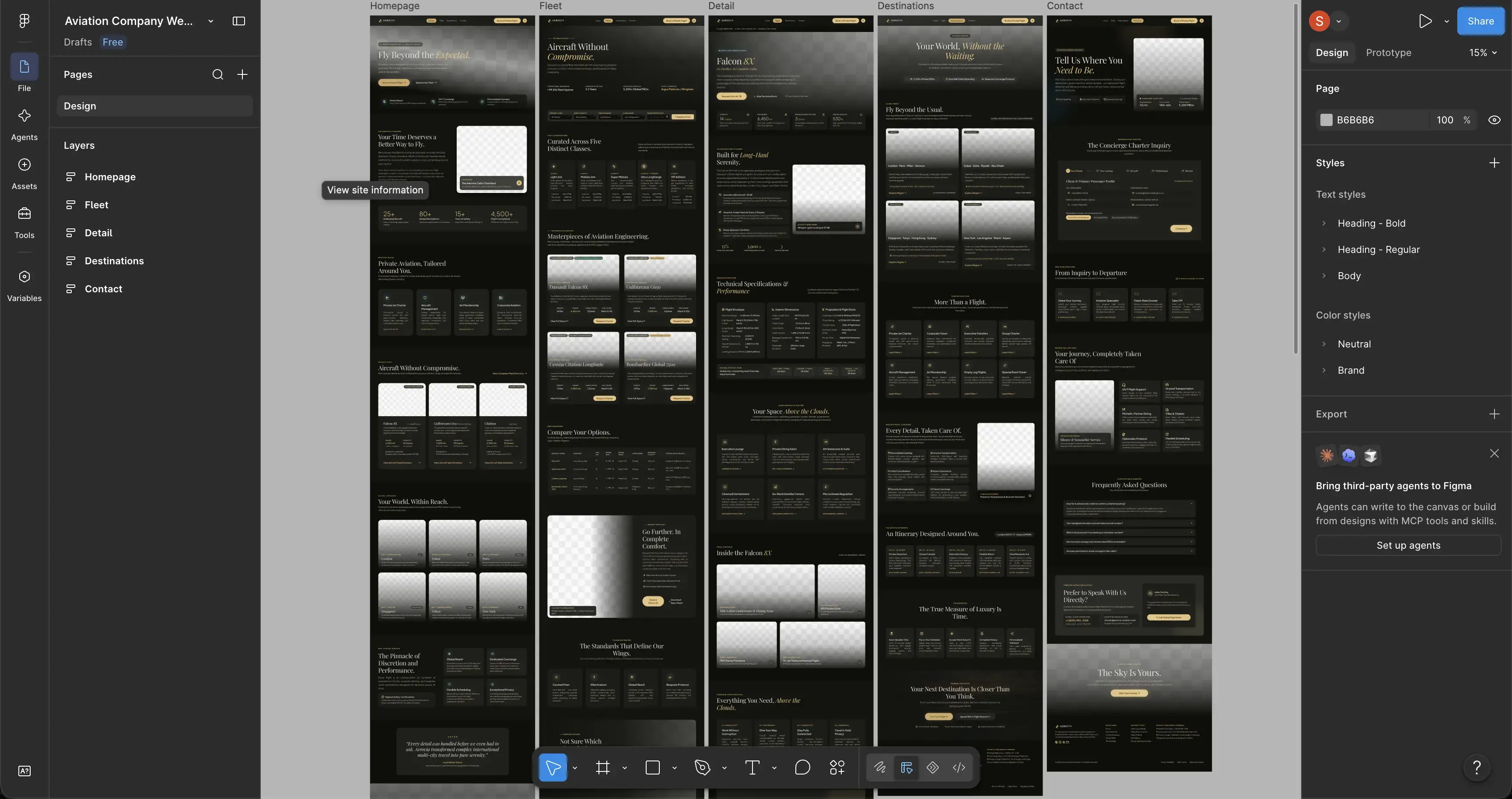
Teams searching for how to develop aviation website projects successfully should begin with architecture and content requirements, not visual styling. The development stack matters, but it matters after the business model, user journeys and recurring aviation content have been defined.
What does it mean to build an aviation website properly?
A properly built aviation website connects three layers: the business model, the content model and the technical implementation. If any one of them is weak, the finished site usually becomes harder to use or maintain.
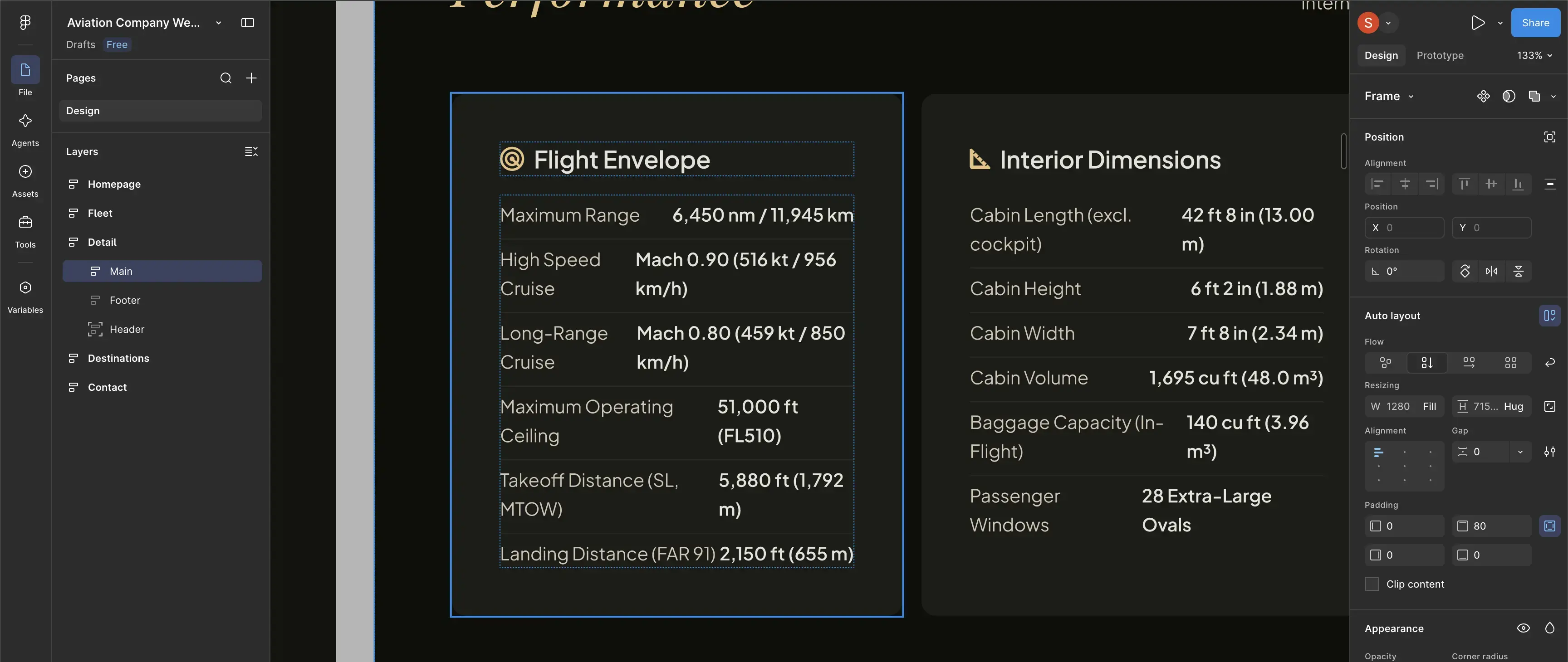
For example, a flight school may need separate training programs, aircraft pages, financing information, admissions content and discovery-flight enquiries. An MRO may organize information around capabilities, aircraft types, facilities and RFQs. A charter operator may need fleet pages, destination content and quote requests. An aircraft broker may need individual listings with structured specifications and lead capture.
The right development process identifies these differences before templates are created. That prevents a common problem: trying to force aviation-specific information into a generic company website structure after development is already underway.
The most important technical decision is often not which framework or CMS to use, but what information the website must represent consistently for several years after launch.
Step 1: define business goals and user journeys
Before building a sitemap, define what the website is expected to accomplish. Different aviation businesses can have completely different conversion goals even when their websites look superficially similar.
- An airline may prioritize route discovery, passenger information, cargo enquiries or ACMI leads.
- A flight school may prioritize course enquiries, discovery flights and student applications.
- A charter operator may prioritize qualified quote requests.
- An aircraft broker may prioritize enquiries on individual aircraft listings.
- An MRO may prioritize RFQs for specific maintenance capabilities.
- An airport or FBO may need operational information alongside commercial service enquiries.
For every priority audience, define a simple path from arrival to action. A useful project-planning question is: What information does this visitor need before they are ready to contact the business?
This produces requirements that developers can actually use. Instead of a vague request such as “make the website modern,” the project can specify that a charter user needs to move from fleet selection to aircraft details to a route-aware quote form, or that an MRO buyer needs to move from aircraft type to capability information to an RFQ.
Step 2: build the website structure before designing pages
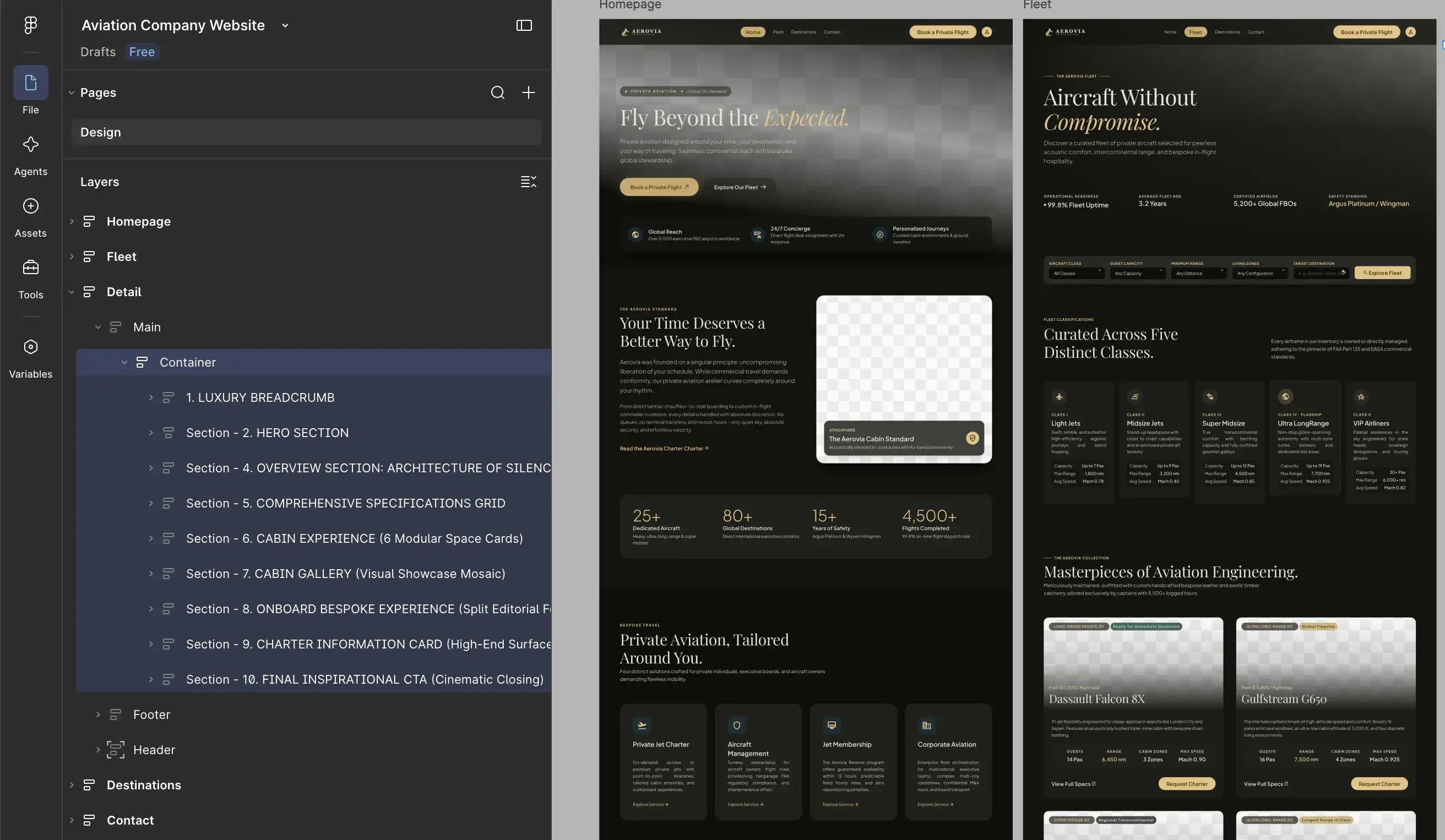
Information architecture should be agreed before detailed design begins. The sitemap determines which topics deserve their own pages, how navigation will work and which pages own the main commercial search intents.
A typical aviation website may contain several layers:
| Page layer | Typical content | Primary role |
|---|---|---|
| Corporate | Homepage, company, team, locations, contact | Explain the organization and establish trust |
| Commercial | Services, charter, training, maintenance, sales | Explain what the business offers |
| Aviation entities | Aircraft, fleet, courses, capabilities, listings | Provide specific decision-support information |
| Support content | Guides, FAQs, resources, destinations, articles | Answer narrower questions and support discovery |
| Conversion | Quote, RFQ, application, enquiry, booking | Turn qualified interest into an action |
This planning stage is where specialist Aviation Web Development becomes more than front-end implementation. The development specification should connect page architecture with reusable components, CMS fields, forms, integrations and future content requirements.
It is also important to assign clear page ownership. If five pages all try to explain the same service using slightly different wording, users get repetition and search engines receive an unclear site structure. One strong commercial page should normally own the main service intent, while supporting pages answer narrower questions.
Step 3: choose a CMS around the content model
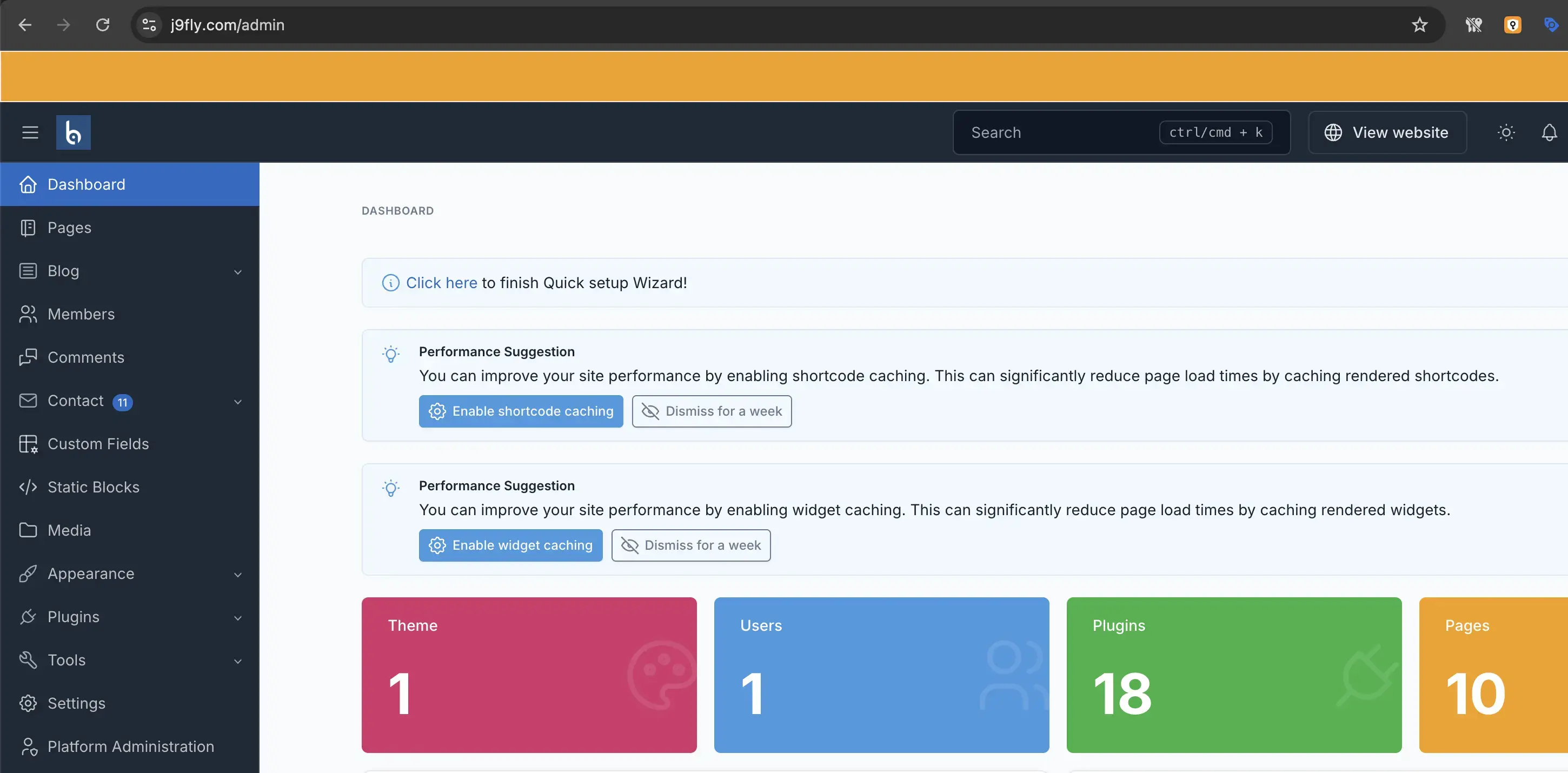
The best CMS is the one that allows the business to maintain important information accurately without depending on a developer for routine changes. That does not mean every field must be editable or every page must use a visual page builder.
Start by separating ordinary editorial content from recurring aviation entities.
Use structured fields for repeatable information
If the same type of information appears repeatedly, structured CMS fields can improve consistency. Examples include:
- aircraft manufacturer, model, range, seating or configuration;
- training program name, prerequisites, duration and enquiry path;
- maintenance capability, supported aircraft or facility;
- aircraft listing specifications and availability status;
- airport or base location details;
- route or destination relationships;
- downloadable documents and specification sheets.
Structured content makes it easier to reuse the same information across listing pages, detail pages, comparison blocks and internal search without manually rebuilding each section.
Keep editorial sections flexible where flexibility is useful
Not everything needs a dedicated database field. Long-form explanations, company stories, case studies and supporting articles often work better with flexible content blocks. The goal is to structure information that benefits from consistency while leaving editorial content adaptable.
Plan multilingual capability early
If additional languages are likely, determine the URL model, translation relationships, editable fields, navigation behavior and localization workflow before launch. Adding multilingual architecture later can affect templates, database relationships, internal links and SEO settings.
Step 4: design mobile UX around real aviation tasks
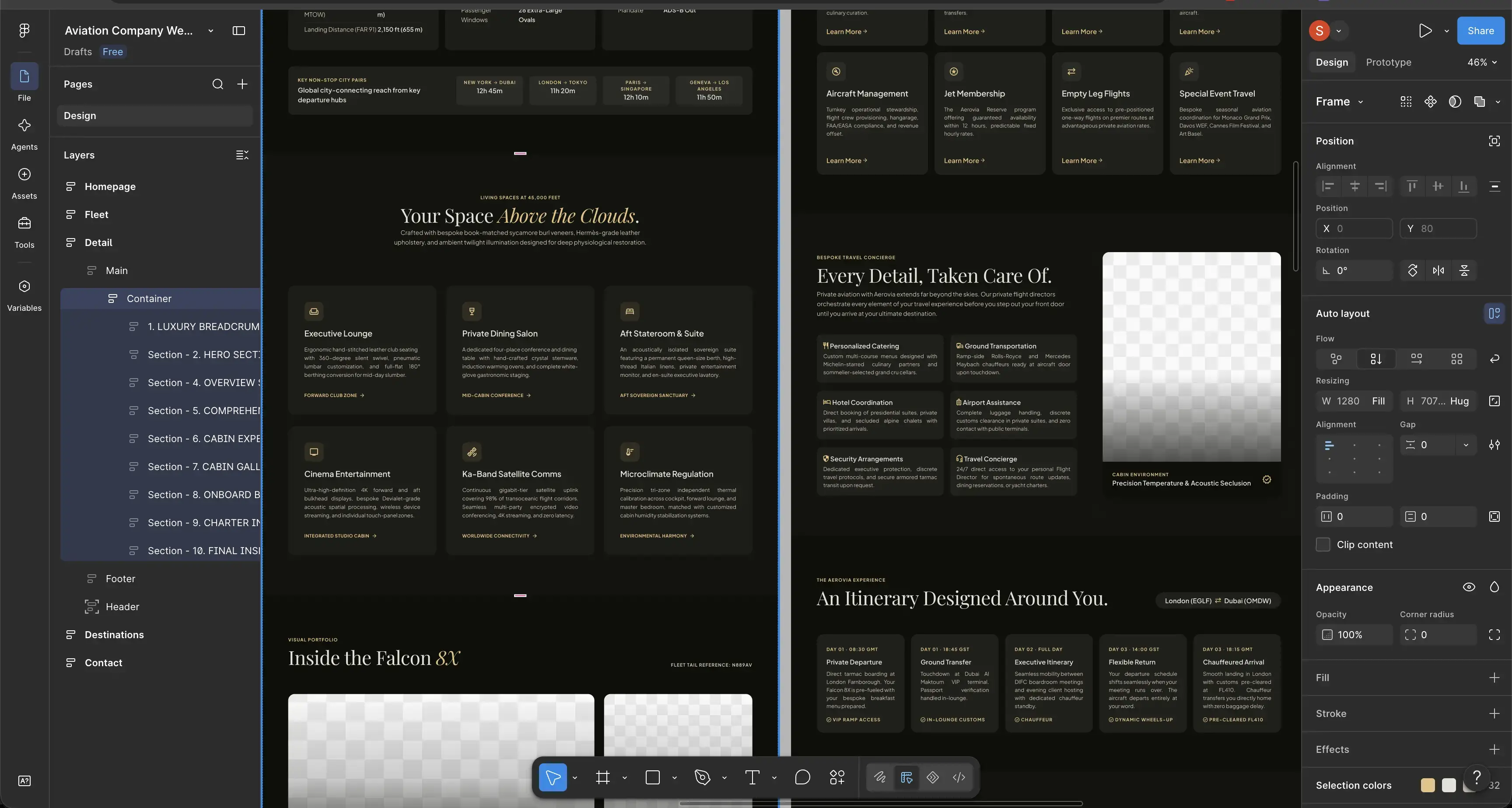
Responsive design is not complete when desktop columns simply stack vertically. The mobile version must preserve the priority of information and actions.
Aircraft and aviation websites often contain large images, specification tables, interactive elements and detailed forms. These require deliberate mobile decisions.
- Keep primary navigation understandable without excessive nesting.
- Ensure aircraft specifications remain readable without horizontal confusion.
- Place important enquiry actions where users can find them after reviewing relevant information.
- Make phone numbers, email addresses and messaging options usable as actions where appropriate.
- Avoid large decorative media that pushes essential information far below the first screen.
- Keep form fields, selectors and validation messages comfortable to operate by touch.
- Review sticky buttons and floating interface elements so they do not obscure content.
Content order also matters. On desktop, an image and specification panel may work side by side. On mobile, the correct order may be title, core information, image, specifications and enquiry action. That order should be designed intentionally rather than inherited automatically from the desktop grid.
Step 5: develop for performance, search and maintainability
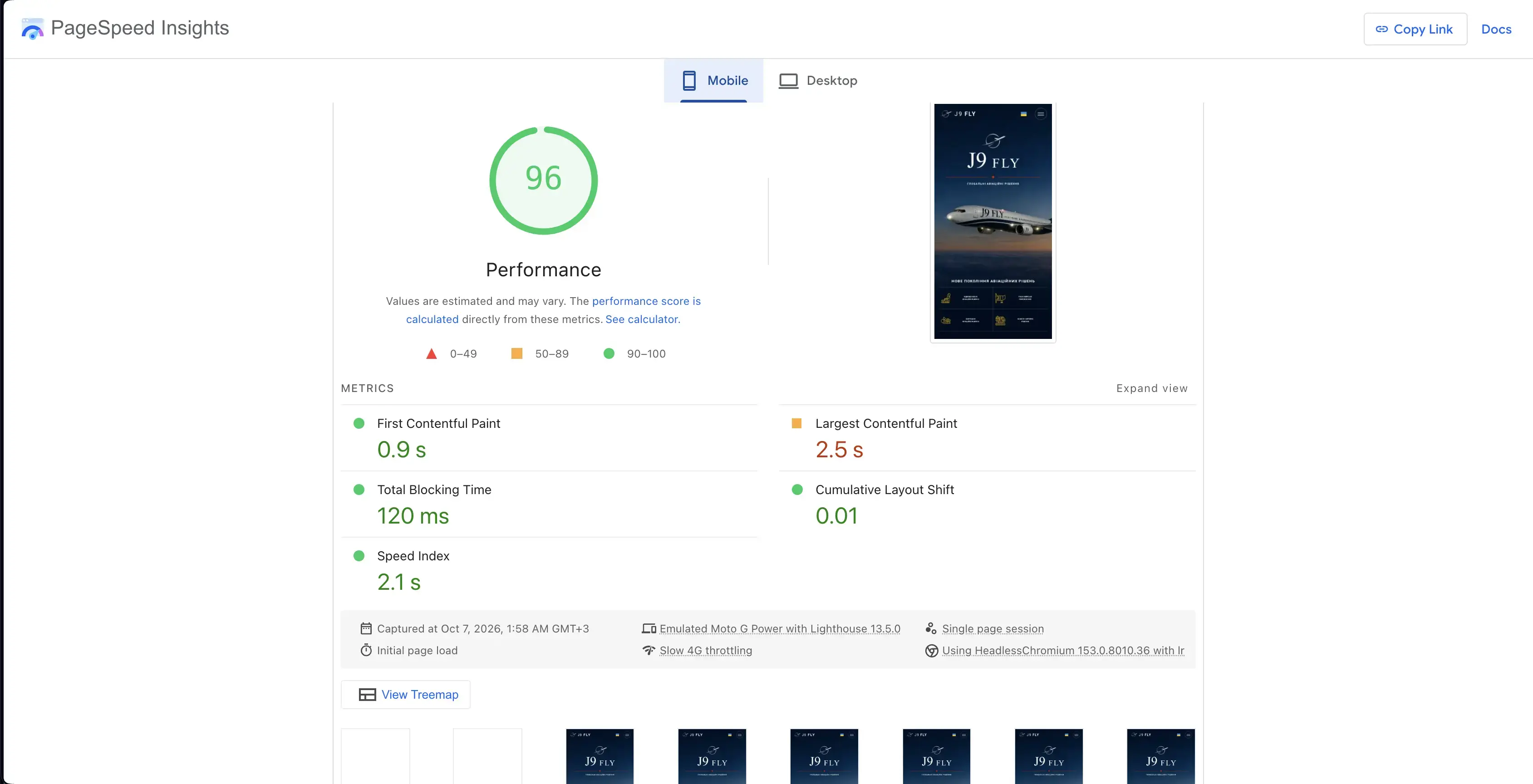
Once architecture, content models and responsive behavior are defined, development can focus on producing reusable templates rather than solving page structure one page at a time.
Create reusable aviation components
Common components may include fleet cards, aircraft specification tables, route blocks, capability lists, course cards, location sections, document downloads, enquiry panels, FAQs and related-content blocks.
Reusable components reduce design drift and allow future pages to follow the same visual and technical rules.
Handle aviation imagery efficiently
Aviation websites naturally rely on photography. Aircraft, cabins, facilities and operations can require large source files, but the website should deliver appropriately sized versions instead of loading the largest original image everywhere.
Image dimensions, responsive variants, compression, lazy loading and meaningful alternative text should therefore be part of implementation rather than an optimization task postponed until launch.
Build search requirements into templates
Technical SEO works best when page templates already support clean headings, editable titles and descriptions, canonical controls, indexation settings, descriptive URLs and contextual internal linking.
The relationship between development and aviation SEO is especially important during a rebuild because changing URLs, consolidating content or restructuring navigation can affect existing organic visibility.
Make the codebase maintainable
Aviation businesses evolve. New aircraft can join a fleet, courses can be added, capabilities can expand and new locations or languages can appear. Development decisions should therefore consider how the website will change, not only how it looks on launch day.
Step 6: connect forms, analytics and business workflows
A successful website should not stop at displaying a confirmation message after a form submission. The enquiry needs to reach the right business workflow reliably.
Form planning should answer several questions:
- Which team receives the enquiry?
- Which fields are required to provide a useful first response?
- Does the form need to identify the aircraft, course, service or listing automatically?
- Should the submission enter a CRM or another internal system?
- What should happen if email delivery fails?
- Which event should analytics record as the primary conversion?
Different enquiry types may deserve separate forms even when they eventually reach the same team. A charter request, training enquiry and maintenance RFQ represent different levels of intent and require different context.
Analytics should also be planned before launch. Useful measurements can include completed enquiries, quote requests, RFQs, application starts, calls, messaging clicks and interactions with important service pages. Tracking only page views makes it difficult to understand whether the website is supporting actual business outcomes.
Step 7: migrate existing content without losing important signals
A redesign often includes a migration from an older website. Migration is not simply copying text into a new CMS. Existing URLs, internal links, indexed pages, media assets and search visibility need to be accounted for.
A basic migration workflow should include:
- Inventory the current site. Record important URLs, page types, titles and existing content.
- Map old pages to the new architecture. Decide which URLs remain, which change and which content should be consolidated.
- Prepare redirects. When an established URL changes, map it to the most relevant replacement rather than automatically sending everything to the homepage.
- Review internal links. Update navigation, body links, buttons and media references to use the final URLs.
- Validate metadata and indexation controls. Development and staging settings should not accidentally carry into production.
- Verify important media and documents. Confirm that aircraft images, brochures, manuals or downloadable resources resolve correctly.
If the project scope includes migration, redirects, integrations, custom content structures or multiple languages, these requirements should also be considered when comparing aviation website pricing. Two websites with a similar number of visible pages can require very different amounts of development work.
Step 8: use a launch QA matrix instead of checking pages casually
Launch QA should test representative templates and user journeys systematically. Browsing the homepage a few times is not enough.
| QA area | What to verify |
|---|---|
| Content | Headings, aircraft data, service information, contact details, images and downloads |
| Navigation | Desktop menu, mobile menu, breadcrumbs where used and internal links |
| Responsive UX | Key page templates, forms, tables, galleries and calls to action at different screen sizes |
| Forms | Validation, submission, recipient, confirmation state and tracking |
| SEO | Titles, descriptions, canonicals, indexation rules, headings, URLs and redirects |
| Performance | Large media, unnecessary requests, layout stability and real page loading behavior |
| Analytics | Page tracking and meaningful conversion events |
| Technical | 404 errors, broken assets, HTTPS behavior and production configuration |
Test complete journeys, not isolated components
A form can work technically while the surrounding journey still fails. Test realistic scenarios such as:
- homepage → training program → fleet → training enquiry;
- landing page → charter fleet → aircraft → quote request;
- search landing page → MRO capability → facility information → RFQ;
- aircraft listing → specifications → document download → sales enquiry.
Repeat the most important paths on mobile devices as well as desktop layouts.
Validate the production website after deployment
Passing staging QA does not guarantee that production is correct. Deployment can introduce differences in caching, domain configuration, redirects, analytics, media URLs or security settings.
After launch, verify the live domain, major page templates, forms, redirects and tracking again. Also check that staging-only restrictions have not been carried into production and that development environments are not being exposed unnecessarily.
Common aviation website development mistakes
Most expensive website problems begin as planning problems. They become visible only after design or development has made them harder to change.
- Starting from the homepage design. The team approves a visual direction before defining the full content architecture.
- Using one generic service template for everything. Different aviation services often require different information and conversion paths.
- Putting recurring data inside free-form text. Aircraft specifications or course information then become difficult to maintain consistently.
- Ignoring future languages. Multilingual requirements are discovered after URL and CMS architecture has already been fixed.
- Designing desktop first and merely stacking mobile content. The resulting mobile information order becomes inefficient.
- Leaving SEO until after development. URL structure, templates and redirects then need to be reworked.
- Tracking traffic without conversions. The business knows how many people visited but not which content produced valuable actions.
- Launching without a redirect map. Established URLs disappear even when suitable replacement pages exist.
- Testing components instead of journeys. Individual buttons and forms work, but the complete path to an enquiry remains confusing.
How should an aviation website project be planned?
A useful way to plan the project is to divide the work into decision gates. Do not move to detailed design until architecture is stable, and do not move to launch until migration and QA requirements are documented.
- Discovery: audiences, business goals, services, integrations and content requirements.
- Architecture: sitemap, page ownership, navigation and conversion paths.
- Content model: CMS fields, recurring aviation entities and multilingual requirements.
- UX and design: page templates, mobile behavior and component system.
- Development: templates, CMS, forms, integrations, SEO controls and analytics.
- Migration: content transfer, media, URL mapping and redirects.
- QA: content, mobile, forms, technical checks and real user journeys.
- Launch: deployment, production verification and initial monitoring.
This sequence does not mean every phase must be completely isolated. Content, design and development can overlap. The important point is that foundational decisions should be made before later work depends on them.
Frequently asked questions
Practical questions that commonly arise when planning an aviation website development project.
01 Which CMS is best for an aviation website? +
02 Should aircraft and fleet pages be created manually? +
03 When should SEO be considered during aviation website development? +
04 Do we need a staging website before launch? +
05 What should be checked immediately after an aviation website launches? +
Final thoughts
To build an aviation website successfully, treat the project as a structured business system rather than a collection of designed pages. Define who the website serves, organize information around real aviation decisions, model recurring content correctly and make conversion paths measurable.
The strongest implementation is one that remains clear after launch: staff can update it, visitors can navigate it, search engines can understand its page relationships, and future aircraft, services, locations or languages can be added without rebuilding the architecture from the beginning.
Need help with your aviation website?
Turn your website into a clearer, faster and more visible digital system built around your aviation business goals.