






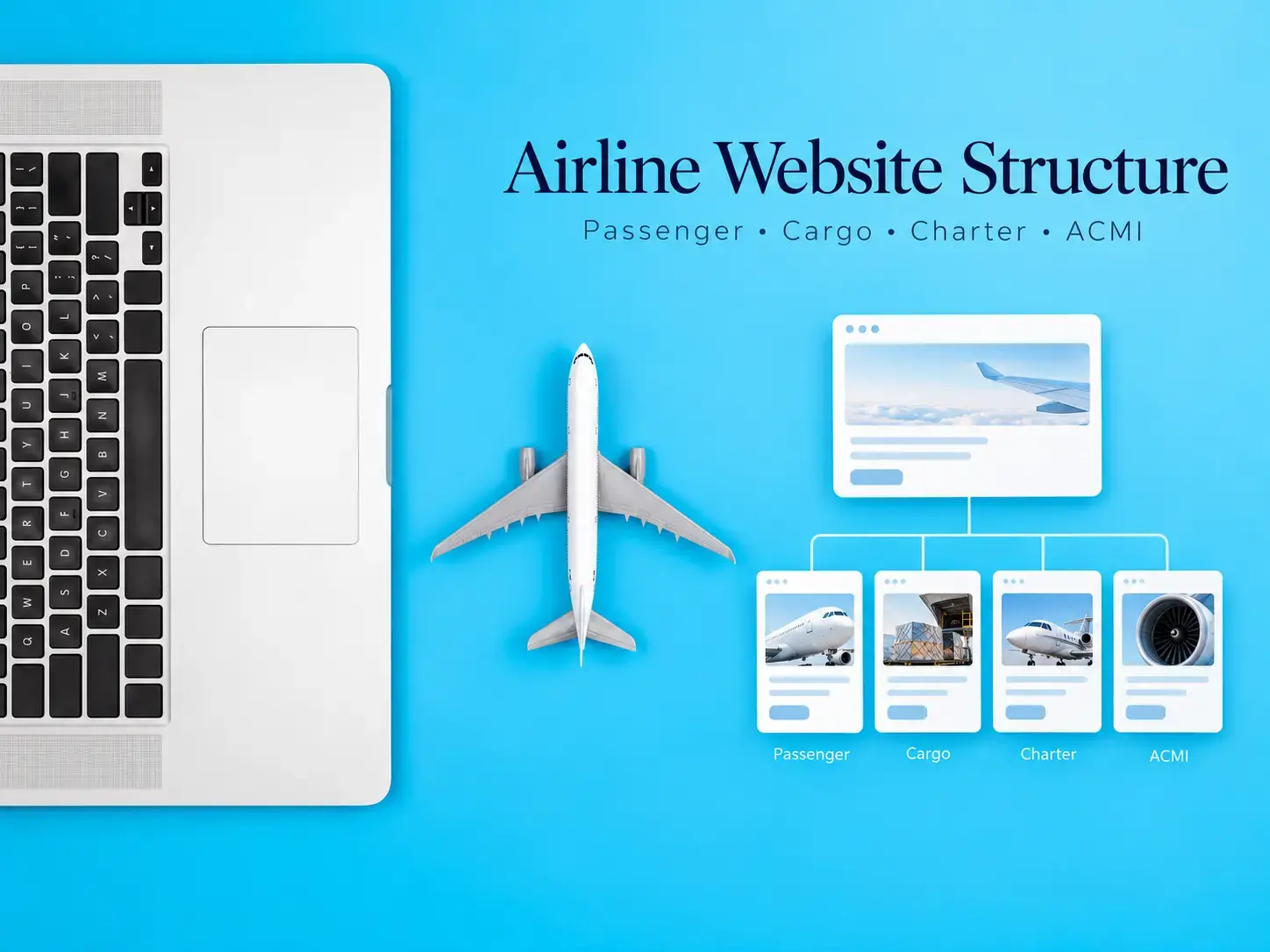
An effective airline website structure should reflect how the airline actually operates and how its different audiences use the website. Passenger airlines, cargo carriers, charter operators and ACMI providers may all operate aircraft, but their customers arrive with very different questions, tasks and commercial intent.
That difference should shape the sitemap, navigation, fleet presentation and conversion paths. A passenger may need to find a flight, manage a booking or check travel information. A cargo customer may be evaluating capacity and requesting commercial contact. A charter client may be comparing aircraft before requesting a quote, while an ACMI buyer is evaluating fleet suitability, operational capacity and a longer-term B2B relationship.
Why airline website architecture depends on the business model
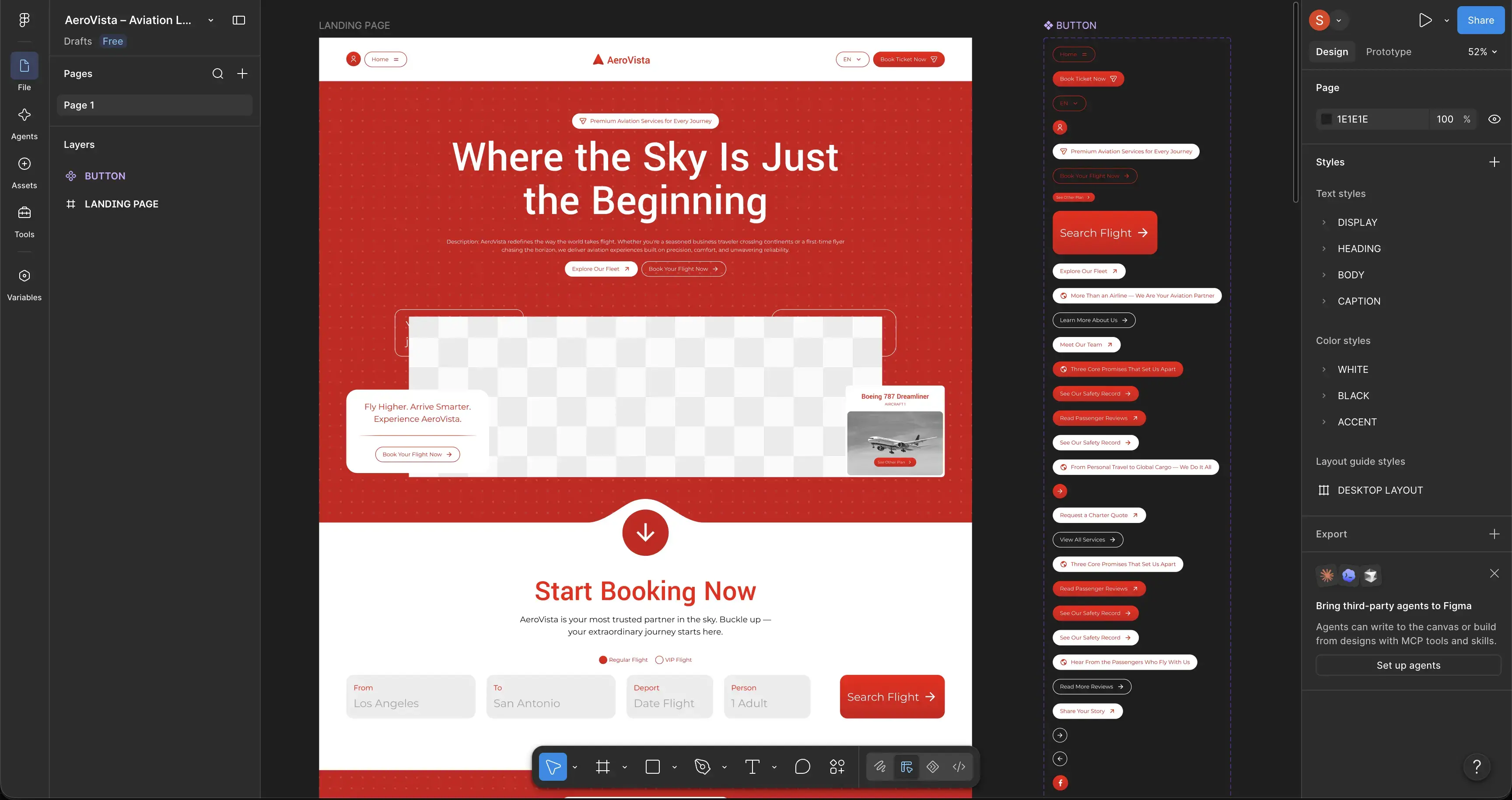
There is no single sitemap that works for every airline. The correct architecture depends on what the airline sells, who makes the purchasing decision and what users need to accomplish online.
A scheduled passenger airline can be heavily transaction-oriented. Its website may need to place booking, trip management, check-in and passenger information close to the top of the hierarchy. A charter carrier may have no reason to reproduce that structure because its primary objective could be generating qualified flight requests rather than processing standard ticket transactions.
An ACMI operator is different again. Its primary customer may be another airline, tour operator or aviation business evaluating aircraft capacity and operational suitability. A cargo carrier may need to explain network, fleet and cargo capabilities while providing a clear commercial enquiry route.
These distinctions affect more than menu labels. They determine which information deserves a dedicated page, which calls to action appear on those pages and how visitors should move through the website.
An airline website should be structured around customer tasks and commercial divisions, not around the internal organization chart of the company.
How should an airline website structure be organized?
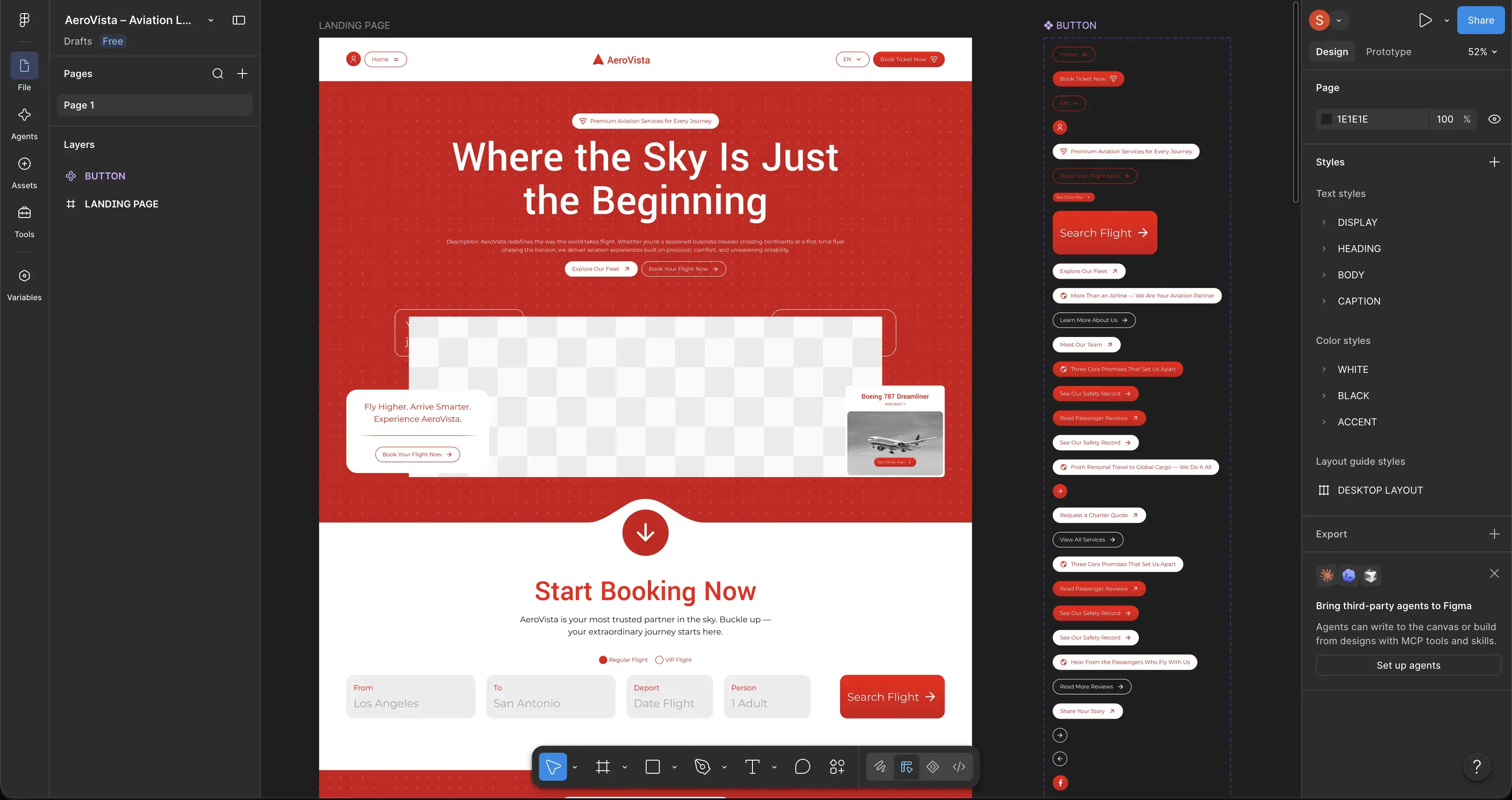
A useful starting point is to divide the architecture into shared airline information and business-model-specific journeys.
| Website area | Typical content | Main purpose |
|---|---|---|
| Core corporate | About, company information, leadership, locations, careers, contact | Explain the airline and establish corporate credibility |
| Commercial divisions | Passenger, cargo, charter, ACMI or other airline services | Separate different offers and customer groups |
| Fleet | Aircraft families, individual aircraft types, configurations and relevant capabilities | Help users understand operational suitability |
| Network | Routes, destinations, airports, operating regions or service coverage | Explain where relevant services operate |
| Customer information | Travel information, service processes, FAQs and supporting resources | Answer questions before support or sales contact is required |
| Conversion | Booking, quote request, cargo enquiry, ACMI enquiry or contact workflow | Move qualified users toward the correct next action |
Not every airline needs every page group. The structure should expand only where the business has genuine services and useful information to present.
This is the central challenge of specialist Airline Website Design: combining several aviation business models without making navigation feel like a list of unrelated departments. The architecture should make the airline understandable before visual design is used to make it attractive.
Passenger airline website structure should prioritize traveller tasks
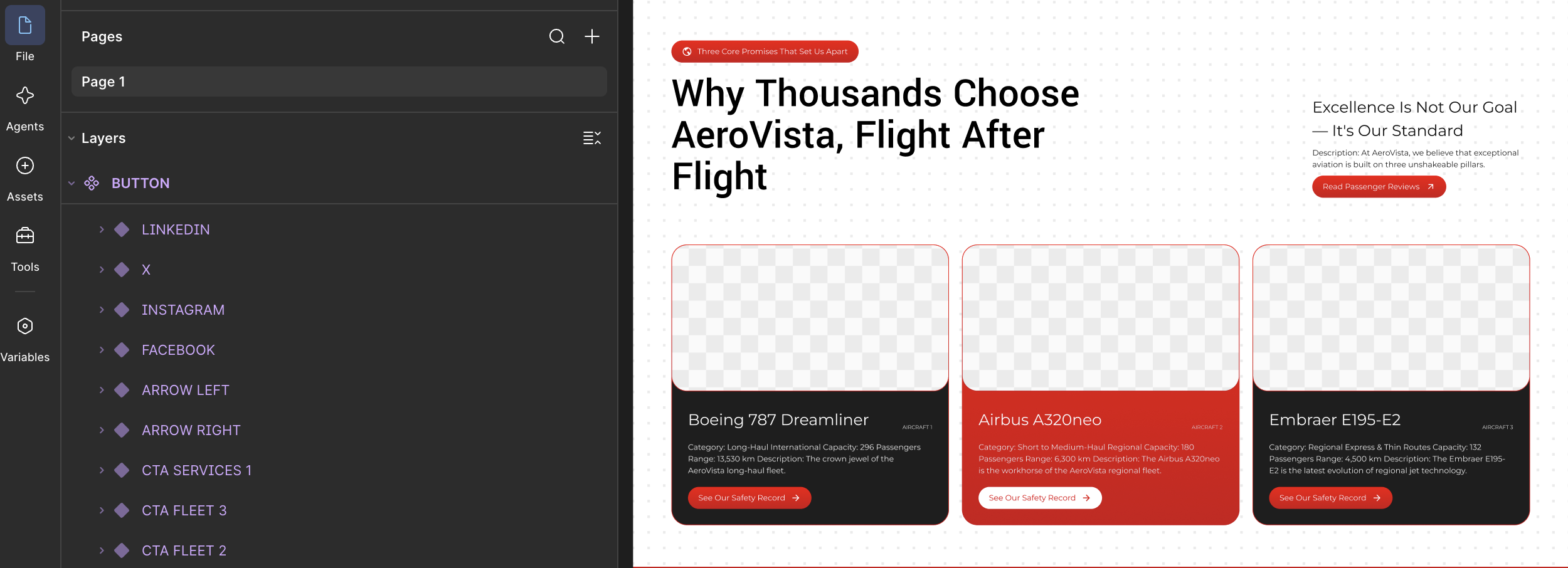
Passenger airline websites often have the highest number of recurring self-service tasks. Users may arrive before purchasing, immediately before travel, during disruption or after a journey. The structure has to support these different stages without requiring users to understand airline terminology or internal processes.
Booking and trip management
When online ticket sales are part of the airline's digital model, flight search or booking should normally be easy to identify from the main interface. Existing customers also need a clear route to retrieve or manage their journey when those functions are available.
The website architecture should distinguish a transactional booking interface from supporting content. A passenger reading about baggage should not have to navigate through the same hierarchy as someone searching for a flight.
Travel information
Passenger information can become extensive, so it benefits from clear grouping rather than one long FAQ page. Depending on the airline, useful content groups may include:
- baggage information;
- check-in guidance;
- travel documents;
- special assistance;
- travelling with children or specific passenger needs;
- airport and boarding information;
- changes, cancellations or other booking-related guidance;
- customer support.
Each topic should be easy to locate from both global navigation and relevant contextual links.
Routes and destinations
If routes and destinations are important for acquisition and trip planning, they should be represented as structured website content rather than buried only inside a booking engine. Destination and route pages can connect travel discovery with the airline's actual network while helping users continue toward the appropriate booking or information flow.
Cargo airline websites require a different information hierarchy
A cargo customer is generally not following the same journey as a passenger. The website therefore needs to explain the carrier's commercial cargo proposition before pushing the visitor toward contact.
Useful cargo architecture may include:
- cargo services overview;
- fleet and relevant cargo aircraft;
- network or operating coverage;
- specialized cargo capabilities where genuinely offered;
- commercial or quotation contact;
- cargo tracking or customer tools when the airline provides them;
- operational contact information where appropriate.
A generic “Cargo” paragraph inside a broad services page is unlikely to communicate a substantial cargo operation clearly. When cargo is a major division, it deserves its own architecture and conversion route.
Connect aircraft information with cargo capability
Fleet pages should help the visitor understand why an aircraft is relevant. Aircraft type alone may not answer the commercial question. Where appropriate, the page can explain configuration, operational role and other accurate capability information useful to potential customers.
The objective is not to publish technical data for its own sake. Aircraft specifications should help the reader evaluate whether the operator appears suitable for the mission they are researching.
Charter airline website structure should shorten the path to a qualified request
A charter website normally needs to move users from initial consideration toward an enquiry while giving them enough information to submit a useful request.
A practical charter structure can include:
- charter services overview;
- passenger or group charter pages where relevant;
- fleet overview;
- individual aircraft pages;
- destinations or operating coverage where useful;
- charter process or FAQ content;
- request-a-quote workflow.
The fleet should support aircraft selection
A fleet page should be more than a visual gallery. Users comparing charter options may need aircraft category, seating or configuration information, cabin context and other accurate details relevant to the operator's offer.
Individual aircraft or aircraft-type pages become particularly valuable when the fleet contains significantly different options. The charter page can explain the service, while the aircraft page explains the equipment available for that service.
Use a charter-specific enquiry path
The enquiry should collect information that makes the next commercial response useful. Depending on the service, this could include origin, destination, travel dates, passenger count and contact details.
It should not automatically inherit a generic corporate contact form simply because that form already exists elsewhere on the site.
ACMI airline websites should be designed for B2B evaluation
ACMI has a fundamentally different website audience from ordinary passenger ticket sales. The visitor is evaluating capacity and a potential operational partnership rather than choosing a consumer journey.
An ACMI section may therefore need:
- a clear explanation of the ACMI service offered;
- short-term and long-term capacity solutions where applicable;
- fleet information;
- aircraft-specific pages;
- operational or geographic coverage;
- company and organizational information;
- relevant factual trust information;
- a dedicated commercial enquiry path.
The website should answer the basic qualification questions before the user contacts the commercial team. What aircraft are available? What type of capacity solution is offered? Where does the operator work? How can a potential partner start a discussion?
Any statements about approvals, certifications, aircraft, operating rights or capabilities must match the operator's real status and should be maintained carefully. Credibility comes from specific, current information rather than broad claims.
ACMI and charter should not automatically share one page
Some airlines provide both services, but the customer intent is different. A charter client may need a specific flight or series of flights, while an ACMI prospect may be evaluating capacity over a substantially different commercial relationship.
When both divisions are significant, separate pages usually make the distinction easier to understand. They can still share aircraft content and corporate information through internal links.
How should one airline website handle multiple divisions?
An airline offering passenger, cargo, charter and ACMI services should avoid forcing everything into one universal “Services” page. Instead, create a shared corporate layer with separate commercial branches.
| Division | Primary audience intent | Typical main action |
|---|---|---|
| Passenger | Find, purchase or manage travel | Book, manage trip or find travel information |
| Cargo | Evaluate transport capability | Request commercial information or access cargo tools |
| Charter | Arrange a specific flight requirement | Request a charter quote |
| ACMI | Evaluate aircraft capacity and operator fit | Start a B2B commercial enquiry |
The homepage can introduce the major divisions and route visitors into the appropriate branch. Once inside that branch, page navigation, content and calls to action should remain focused on the selected audience.
This also simplifies future aviation web development. Shared aircraft data, locations or corporate information can be maintained centrally while each commercial division receives its own templates and user journey.
Fleet architecture should connect aircraft with airline services
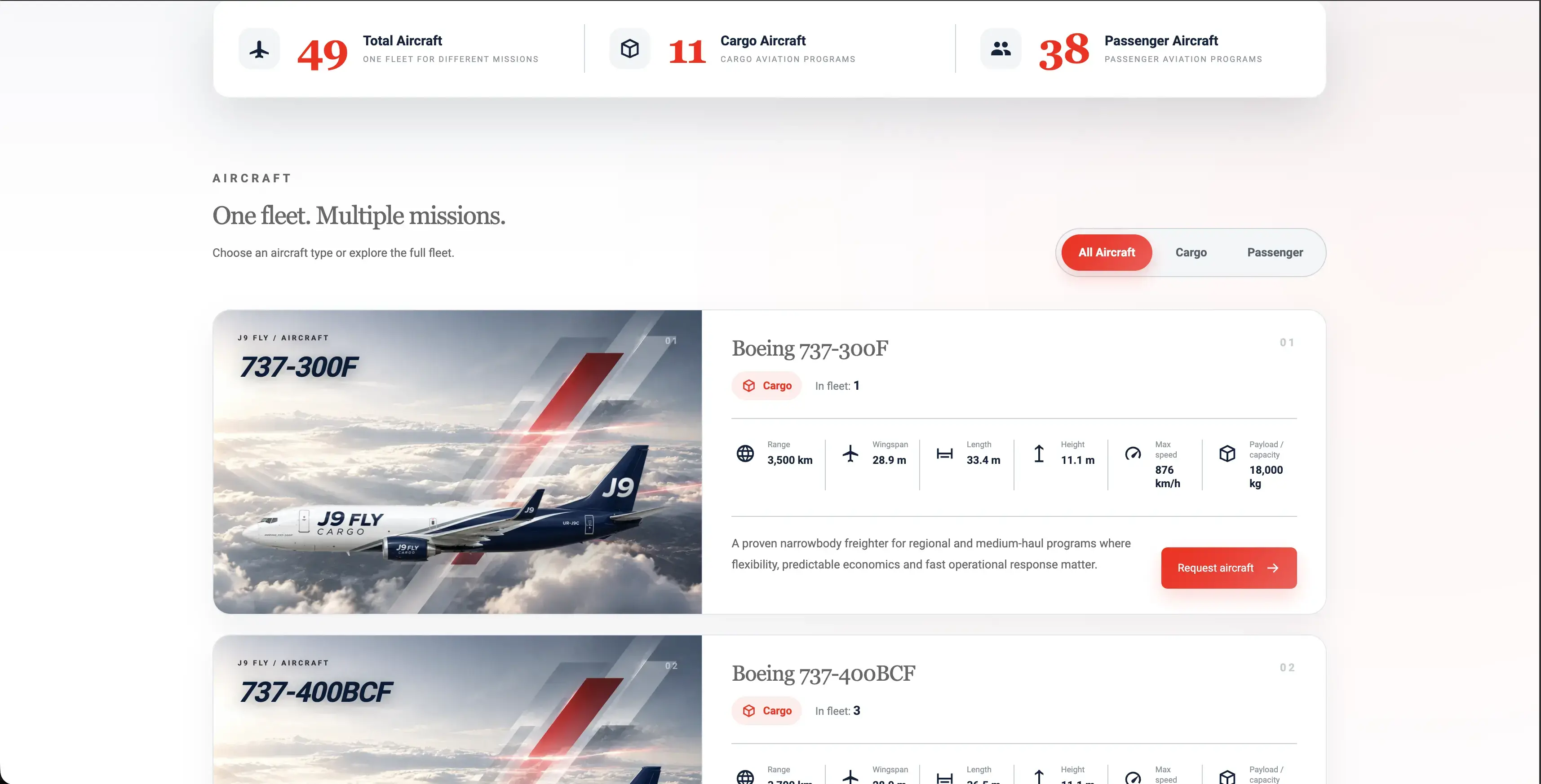
Fleet content frequently sits at the center of an airline website because aircraft are relevant to several audiences. The challenge is preventing the fleet from becoming an isolated section disconnected from the services those aircraft support.
A useful hierarchy may be:
- Fleet overview: introduce aircraft families or operational categories.
- Aircraft-type pages: present accurate specifications and relevant configuration information.
- Service relationships: show where an aircraft is relevant to passenger, cargo, charter or ACMI operations.
- Conversion links: connect the aircraft to the correct enquiry or service path rather than only back to the general contact page.
If the same aircraft supports multiple divisions, it is normally better to maintain one authoritative aircraft data source and reference it from several service contexts rather than duplicating specifications manually across multiple pages.
This is one of the broader features of a good aviation website: important aviation entities are presented consistently and connected to the decisions visitors are trying to make.
Responsive airline website UX should preserve task priority
A responsive airline website should not simply shrink the desktop experience. Mobile screens require stronger prioritization because navigation, fleet information, forms and operational content have less space.
Important considerations include:
- keeping primary customer actions easy to reach;
- limiting unnecessary menu depth;
- making large navigation structures understandable on touch devices;
- keeping aircraft specifications readable;
- ensuring route, destination and travel-information links remain discoverable;
- designing quote and enquiry forms for mobile completion;
- preventing floating controls from covering important content;
- optimizing large aircraft photography and video for appropriate delivery.
The mobile content order can also differ from desktop. A large aircraft photograph that works beside text on a wide screen may need to appear after the aircraft name and core information on a phone. Responsive UX should preserve meaning and action priority rather than simply preserving the original visual arrangement.
Airline website architecture should also support SEO and future growth
Clear airline architecture makes it easier to assign search intent to the right URLs. A passenger service page, cargo page, charter page and ACMI page should not all compete for the same generic language if they represent different offers.
Search-led planning can identify where dedicated pages are justified for:
- major airline services;
- aircraft or fleet categories;
- routes and destinations;
- operational locations;
- customer information;
- commercial research questions;
- supporting articles.
The process should begin with aviation keyword research and page ownership rather than publishing many similar pages and trying to reorganize them later.
A structured hierarchy also supports aviation SEO because internal links can describe clear relationships between the airline, its divisions, aircraft and supporting information. The goal is not to create the maximum possible number of URLs. It is to create enough distinct pages to serve genuinely different intents.
Common airline website structure mistakes
- Putting every business model on one services page. Passenger, cargo, charter and ACMI propositions become difficult to understand.
- Designing only for passengers. B2B divisions are hidden inside a consumer-focused navigation structure.
- Creating a fleet gallery without service context. Visitors can see aircraft but cannot understand how they relate to the airline's offers.
- Using one generic contact form. Commercial teams receive enquiries without the information needed to understand the request.
- Duplicating aircraft specifications. The same information is manually maintained on several pages and eventually becomes inconsistent.
- Hiding essential information inside PDFs. Important service or aircraft information becomes harder to navigate and connect with other content.
- Building desktop navigation first and treating mobile as an afterthought. Large airline menus become difficult to operate on small screens.
- Creating SEO pages without clear ownership. Multiple pages begin targeting the same commercial intent.
A better architecture is usually simpler: shared corporate and fleet foundations with clearly separated service journeys.
Frequently asked questions
Practical questions about planning website architecture for passenger, cargo, charter and ACMI airlines.
01 Should passenger, cargo, charter and ACMI services have separate pages? +
02 What pages does a passenger airline website need? +
03 Should every aircraft have its own page? +
04 How should ACMI content differ from passenger airline content? +
05 Can one airline website serve both B2C and B2B audiences? +
Final thoughts
Airline website structure should start with the operating model. Passenger, cargo, charter and ACMI services may belong to the same airline, but they should not automatically inherit the same page hierarchy or conversion path.
Build a common foundation for the company and fleet, then create distinct journeys for each meaningful audience. When navigation, content, aircraft information and calls to action reflect real airline services, the website becomes easier to understand, easier to maintain and better prepared for future content and search growth.
Need help with your aviation website?
Turn your website into a clearer, faster and more visible digital system built around your aviation business goals.